1. Define the real services and markets first.
Start with the services the business genuinely provides and the areas it can actually serve. Choose the important service categories before writing pages or changing profile information. This prevents the site from becoming a collection of overlapping pages that compete with one another or promise work the business cannot deliver.
Map one primary search intent to each important page. A web design page, hosting page, SEO page, chatbot page, and voice reception page answer different questions even when they belong to one connected offer. Use local language only where it helps customers understand availability, response, travel, delivery, or support. Do not create city pages by swapping place names into otherwise identical copy.
2. Align the website and Google Business Profile.
The approved business name, primary category, secondary categories, website URL, phone, hours, address or service-area model, and service descriptions should be consistent. Differences create customer confusion and make maintenance harder. Update only details that the business owner has verified, especially phone routing, hours, and physical location information.
Choose the most relevant landing page for the profile rather than sending customers to an unrelated promotion. Add services and photos that accurately represent the work. Review profile links after website redirects or URL changes so visitors and tracking systems reach the intended canonical page without extra hops.
3. Give every core service a useful page.
A focused service page should explain who the service is for, the problem it solves, what is included, how the process works, and what the visitor should do next. This creates a stronger destination for local searches, referrals, advertising, map results, and links shared by a salesperson.
Use a unique title, description, H1, body copy, visual, and call to action. Add service-specific proof, FAQs, or examples only when they are real and approved. Link the main services hub to each detail page, and connect related services where the relationship helps the visitor. The guide on why focused service pages support local SEO explains this structure in more detail.
4. Complete the on-page and crawl basics.
Each indexable page needs one canonical URL, one descriptive title, one clear H1, an accurate meta description, useful headings, crawlable internal links, and appropriate structured data. The canonical, sitemap entry, social metadata, schema, and internal links should all point to the same preferred URL.
Remove duplicate renderer paths, default archive pages, search results, previews, query variants, and placeholders from the indexable surface. Return a real 404 or 410 when a route should not exist. Keep the XML sitemap limited to intentional public pages and update the modification date only after meaningful content changes.
5. Publish factual trust and contact signals.
Customers need evidence that the business can complete the work. Useful trust signals may include an approved phone number, email, service area, team information, process details, credentials, portfolio examples, customer results, or reviews. Put the most relevant proof close to the service claim or action it supports.
Never create placeholder addresses, invented reviews, unsupported awards, or vague performance claims. If a fact has not been approved, leave it out until it can be verified. Consistent factual information is more valuable than a larger volume of weak or contradictory trust content.
6. Protect mobile speed and technical delivery.
Local visitors often need an answer quickly. Compress text responses, use practical cache lifetimes, resize images for their rendered dimensions, reserve image space with width and height, and avoid loading code that the page does not need. Confirm that navigation, buttons, forms, and contact paths work on common phone sizes.
Use HTTPS, one canonical hostname, direct redirects, and a valid certificate. Monitor server response time and failed requests. A technically clean page cannot replace useful content, but avoidable latency and layout movement can make a strong page harder to use and reduce the number of visitors who reach the contact step.
7. Build supporting content around customer questions.
Use insight articles to answer questions that do not belong on a sales page. Topics may include choosing a service, preparing for a website launch, comparing response workflows, improving a contact page, or understanding how a business profile connects to the website. Each article should answer one clear intent before directing the reader to a relevant service.
Link from the article to the closest service page and from the service page back to useful supporting guidance. This gives visitors a logical path from research to action. Avoid publishing thin posts just to increase page count; every indexed guide should be complete enough to deserve discovery and sharing.
8. Measure leads, not rankings alone.
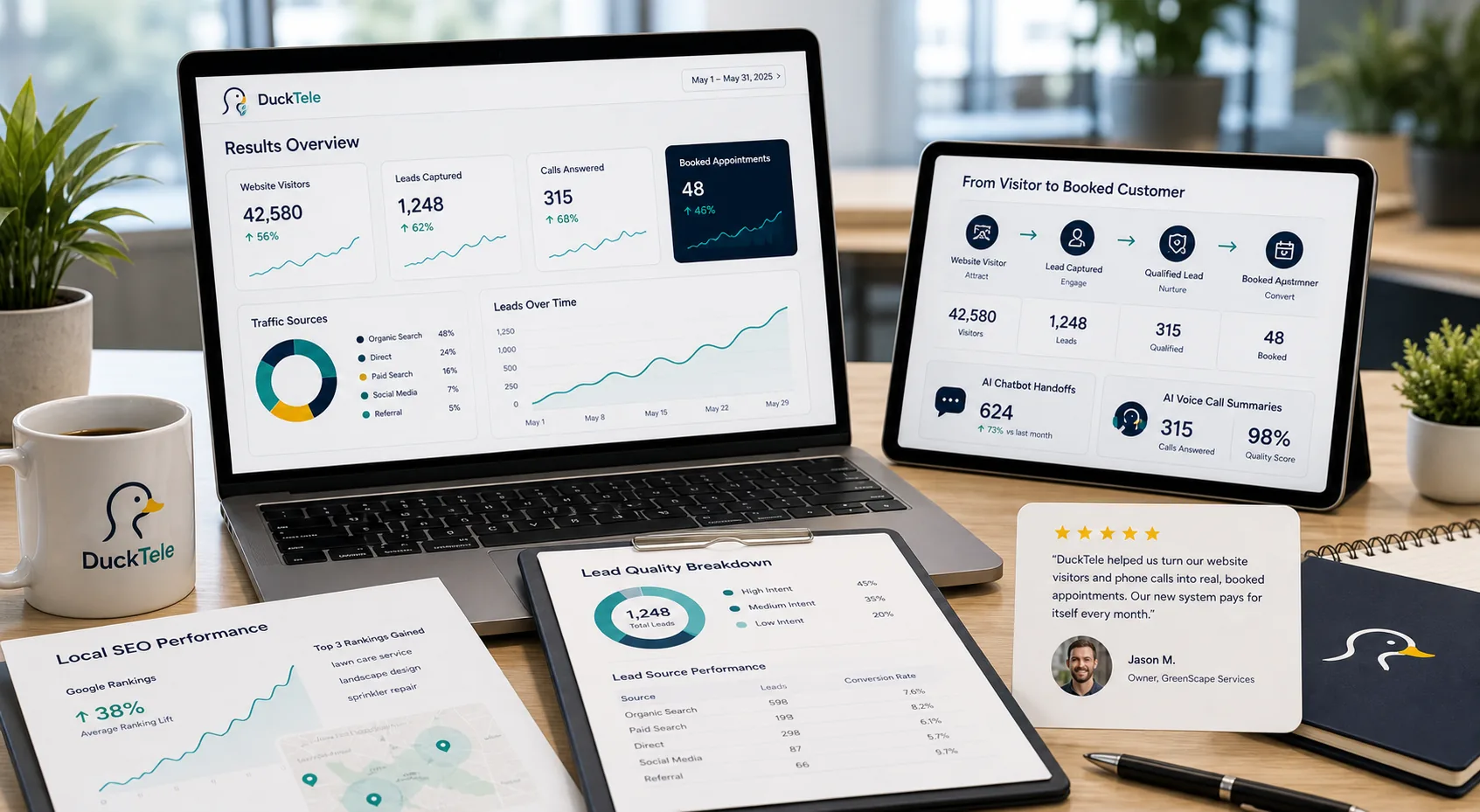
Search Console can show impressions, clicks, queries, landing pages, indexing, and crawl problems. Analytics and approved event tracking should then connect organic visits to form submissions, demo requests, email clicks, calls, bookings, or other qualified actions. Without that connection, traffic growth cannot be evaluated against the business goal.
Review performance by landing page and search intent. Improve pages that attract relevant impressions but weak clicks, and inspect pages that receive visits without meaningful next steps. Record content changes and compare results over a reasonable period rather than reacting to daily movement. The final measure is whether the right local visitors understand the offer and enter a reliable response path.